

They click your study link
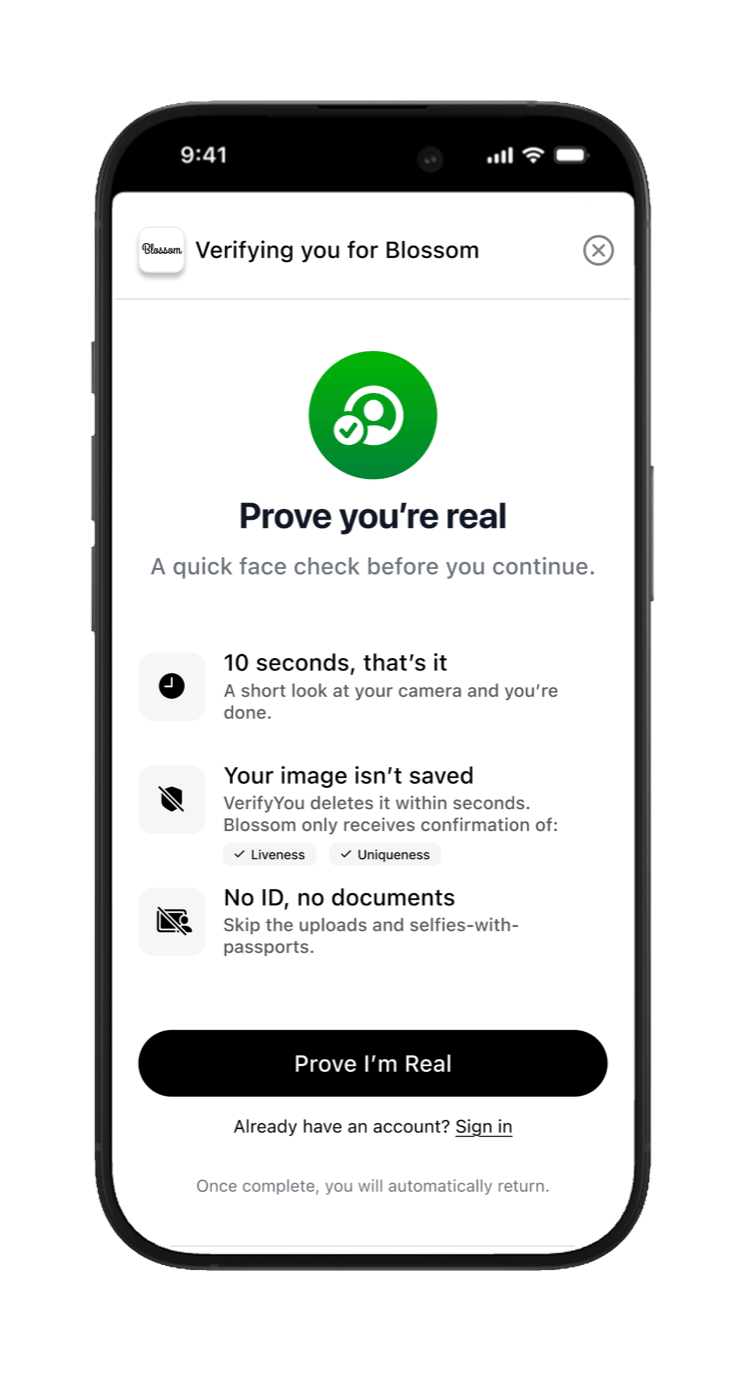
Real product. 'Prove you're real. A quick face check before you continue.' One tap.
They do the scan
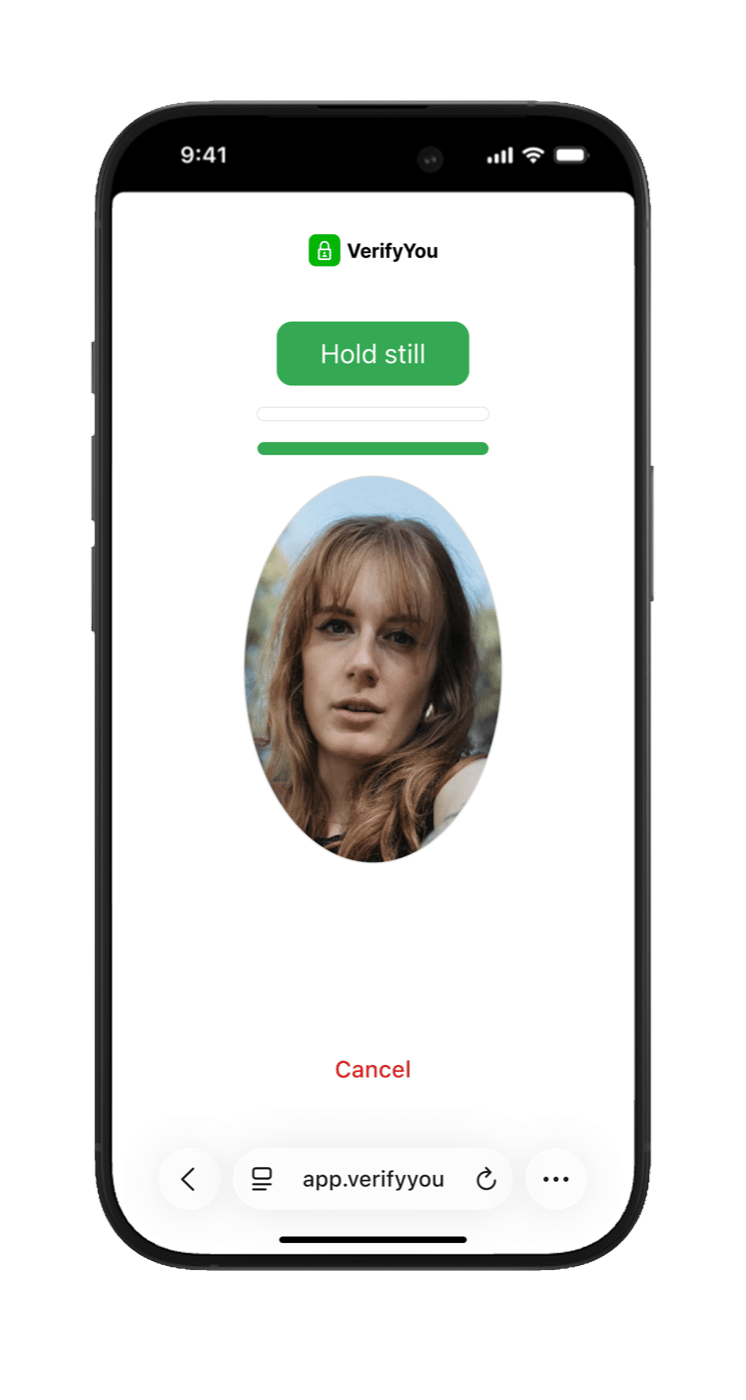
Real product. Live prompts guide them: 'Hold still.'
The fork: pass or fail
They pass
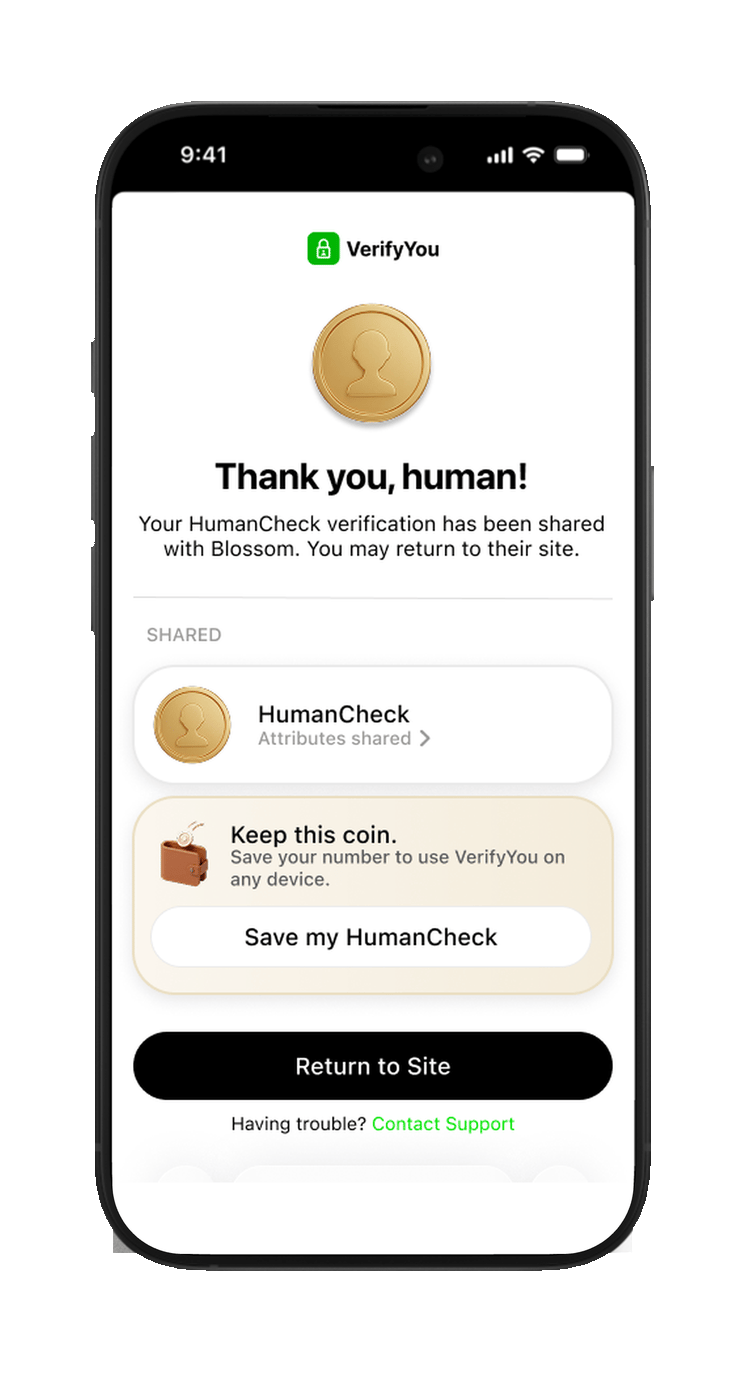
Live and unique. They are sent straight on to your Alchemer login page with their one-time password already filled in, then your questions. (Real product, demo partner brand.)
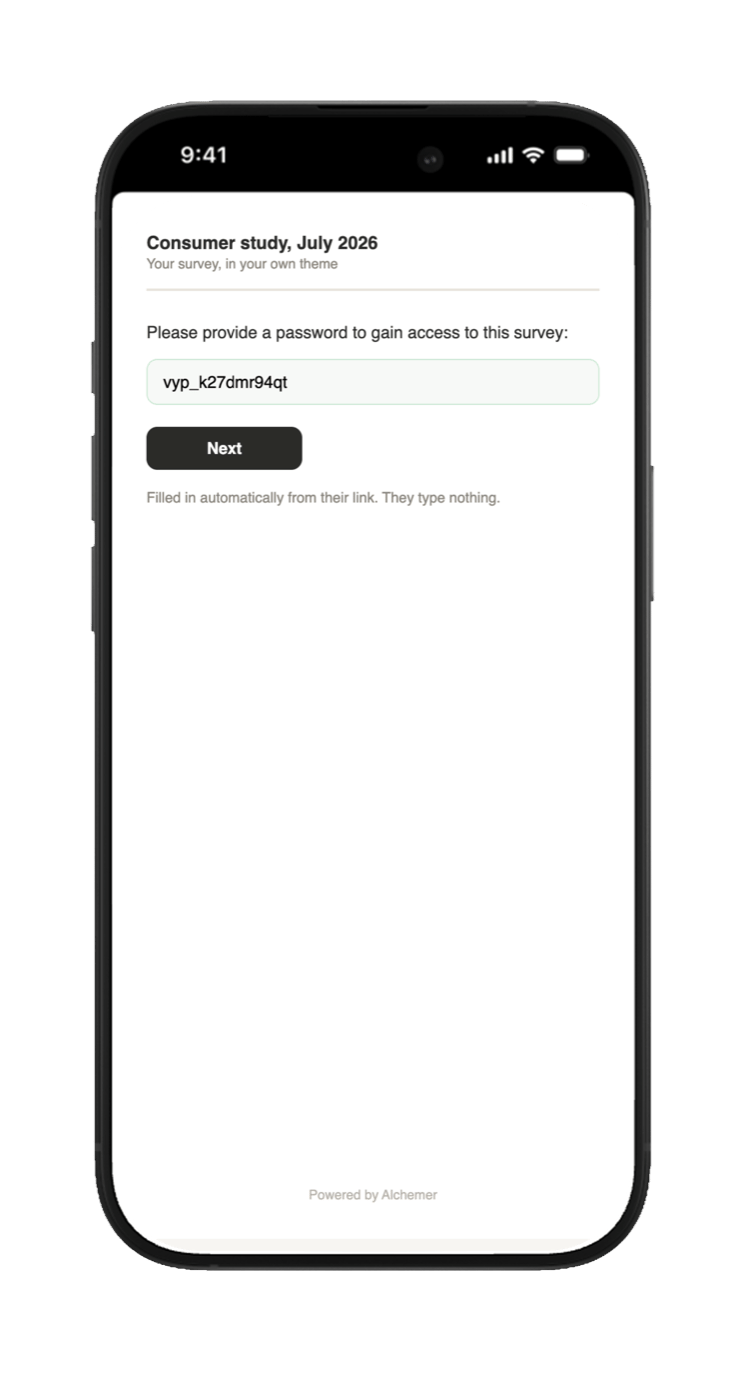
The pass lane continues here: your Alchemer login page, password already in the box. With auto-submit on, they skip this page entirely. (Illustration; the real page inherits your study’s theme.)
They fail
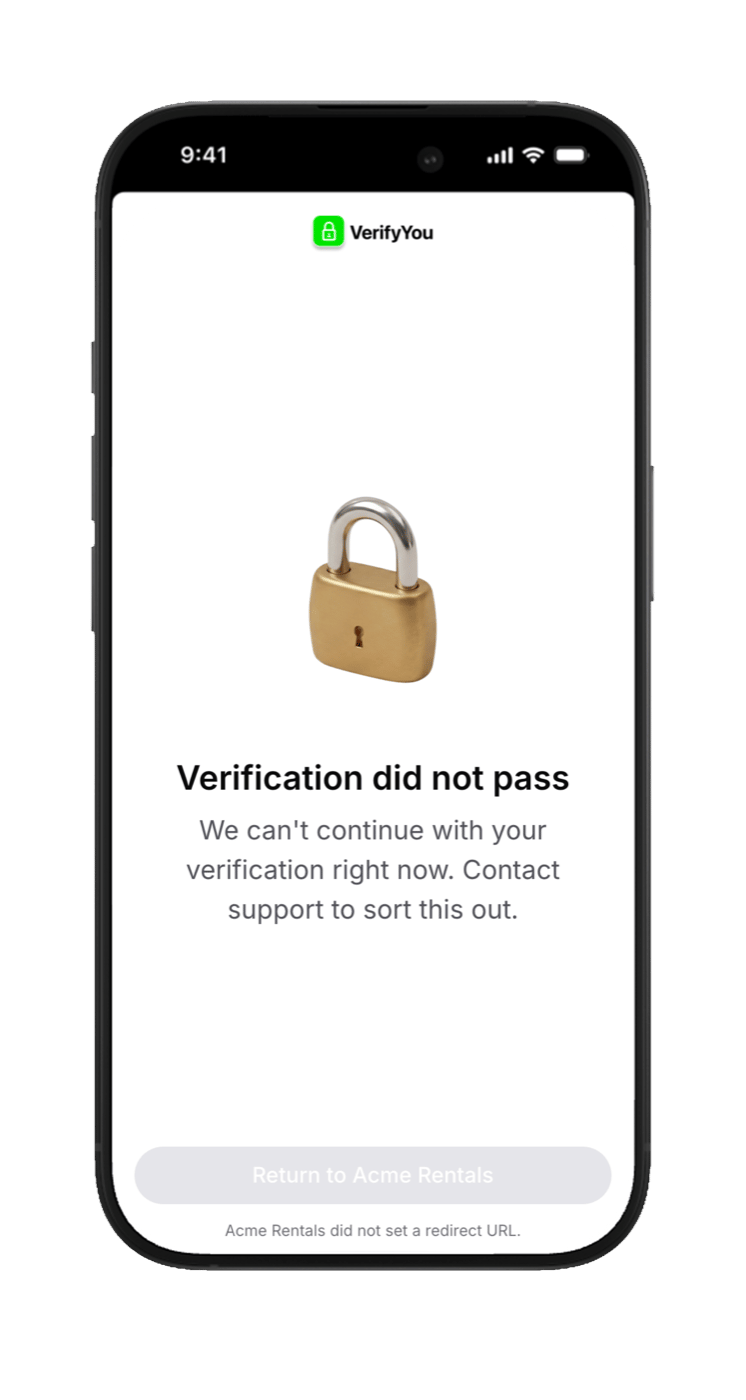
A duplicate face, a replay, or a bot. No password, no study, no complete, nothing to pay. They are routed to your panel’s screen-out, and a new device or browser changes nothing, because the check recognizes the face. (Real product.)
The fail lane ends here, by design. There is no page after this one.
When they come back
Same study: a dead end
Their face already earned its one password, and it is spent. One person, one response, permanently.
Your next study: welcome back
Recognized, less friction, and a fresh one-time password for the new study. You are never charged twice for the same human.